Redecorating your home sounds exciting until you start thinking about furniture, paint colours, lighting, layouts, and how everything is supposed to come together. You might have saved dozens of beautiful living room pictures on Pinterest, but translating those ideas into your own space is another challenge entirely.
This is where AI interior design tools can help.
Instead of trying to imagine how a new sofa would look against your walls or whether a particular colour scheme would work in your bedroom, you can upload a photo of your room and let an AI tool generate different design ideas. Some platforms even allow you to create floor plans, arrange furniture, and explore your space in 3D before making any changes.
Whether you’re moving into a new apartment, refreshing an old bedroom, or simply looking for decorating inspiration, these tools can make the process easier.
Here are some of the best AI interior design tools worth exploring in 2026.
1. Planner 5D
Best for: Creating floor plans and designing entire rooms.
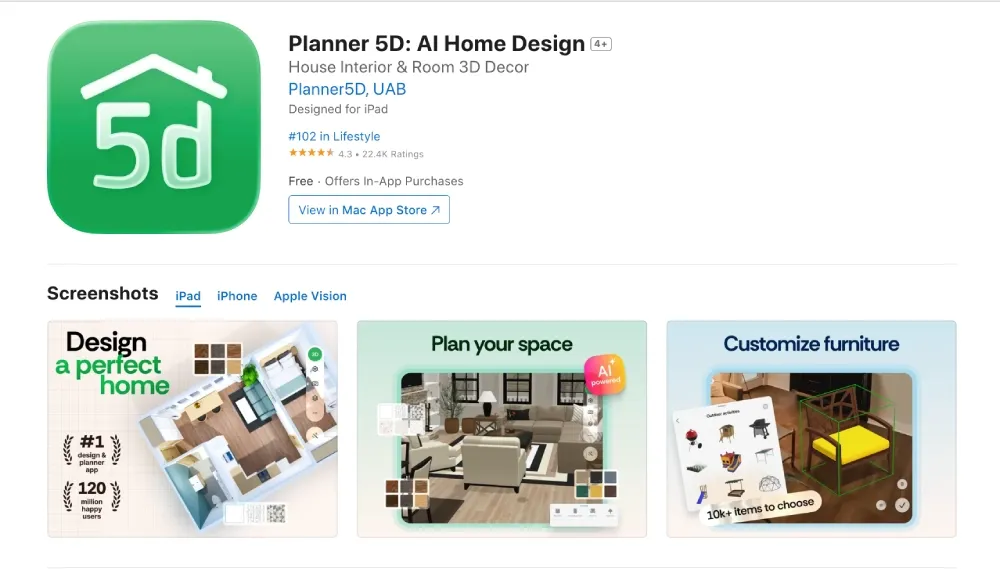
If you want more than a pretty picture of what your room could look like, Planner 5D is a good place to start.
The platform allows you to create floor plans, arrange furniture, experiment with different layouts, and visualise your home in both 2D and 3D. You can start with a blank space or upload an existing floor plan and use its AI-powered features to help develop your design.
One particularly useful feature is its furniture catalogue, which allows you to experiment with different pieces and see how they fit into your space.
Planner 5D is suitable for homeowners, renters planning a room makeover, and anyone who wants to understand how a space might look before buying furniture.
It offers a free plan, while its Premium and Professional plans unlock additional furniture, AI features, rendering options, and other design capabilities.
Why we like it: It gives you more control over the actual layout of your home rather than simply generating an attractive image.
Website: https://planner5d.com/
2. Homestyler

Best for: Experimenting with realistic room designs.
Sometimes, you don’t need a complicated design process. You just want to see whether that minimalist living room you’ve been imagining would actually look good.
Homestyler makes this easier with its 3D interior design platform.
You can create room layouts, add furniture, experiment with materials, and explore different decorating styles. Its extensive 3D furniture library is particularly useful when you want to try different arrangements without physically moving anything around.
The platform also offers AI-powered design features that help users explore interior styles and generate visual concepts.
Homestyler is a good option for people who enjoy experimenting with home décor and want something more interactive than a simple image generator.
It has a free basic plan, with additional features available through paid subscriptions and other purchases.
Why we like it: Its combination of 3D design and visualisation makes it useful for testing ideas before committing to a particular look.
Website: https://www.homestyler.com/
3. RoomGPT
Best for: Quickly redesigning an existing room.
RoomGPT is one of the simpler options for anyone who wants to experiment with interior design without spending hours learning how a design platform works.
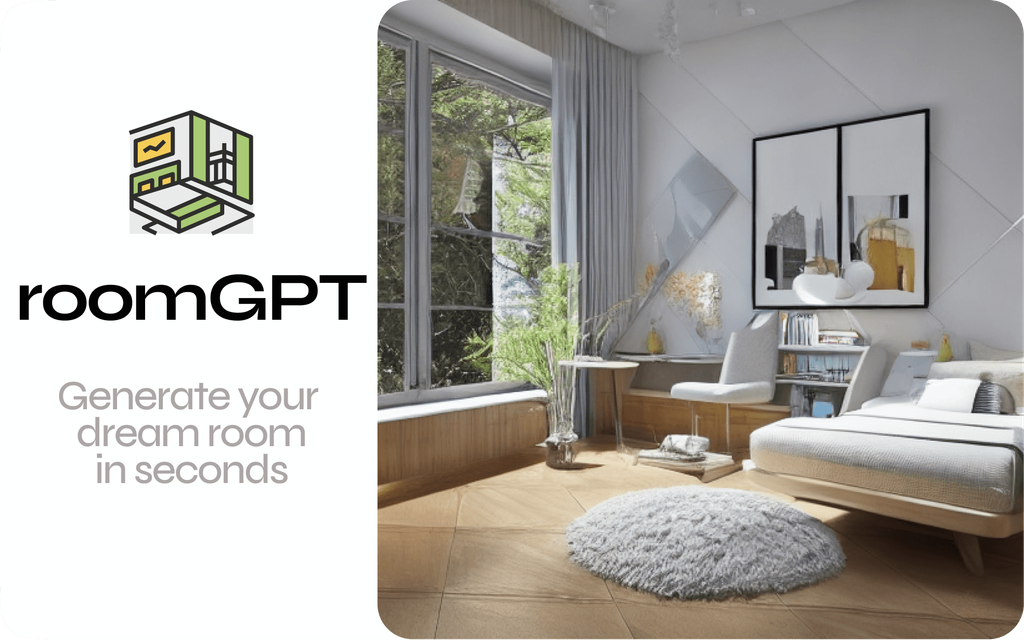
The idea is straightforward: upload a picture of your room, choose a design style, and let the AI generate a redesigned version.
For example, you could upload a photograph of your bedroom and explore how it might look with a modern, Scandinavian, minimalist, or industrial-inspired design.
This is particularly helpful when you know your current space needs a refresh but aren’t sure what direction to take.
RoomGPT is more focused on generating design inspiration than creating detailed floor plans or technically accurate renovation plans. Think of it as a way to explore possibilities rather than a complete replacement for professional design software.
Why we like it: Its straightforward photo-to-design approach makes it accessible to beginners who simply want fresh ideas.
Website: https://www.roomgpt.io/
4. REimagine Home
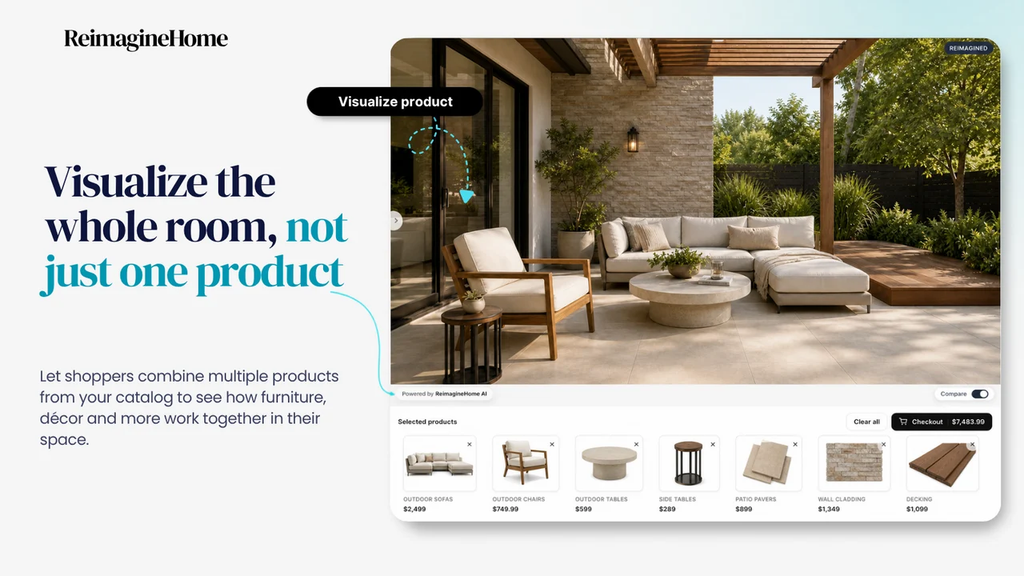
Best for: Redesigning rooms and visualising property improvements.
REimagine Home is another AI-powered platform worth considering, especially if you want to explore several design directions for the same space.
You can upload photographs of interiors or exterior spaces and generate alternative designs. The platform supports room restyling, virtual staging, and other visual property improvements.
Imagine moving into an apartment with an empty living room. Rather than immediately purchasing furniture, you can use REimagine Home to explore how different styles, colour combinations, and furniture arrangements might work.
The platform is also useful for real estate professionals who want to show prospective buyers what an empty or outdated property could look like after improvements.
REimagine Home offers a limited number of free designs, with paid plans providing additional generations and features.
Why we like it: It is useful for exploring different possibilities without having to start every design from scratch.
Website: https://www.reimaginehome.ai/
5. Foyr Neo
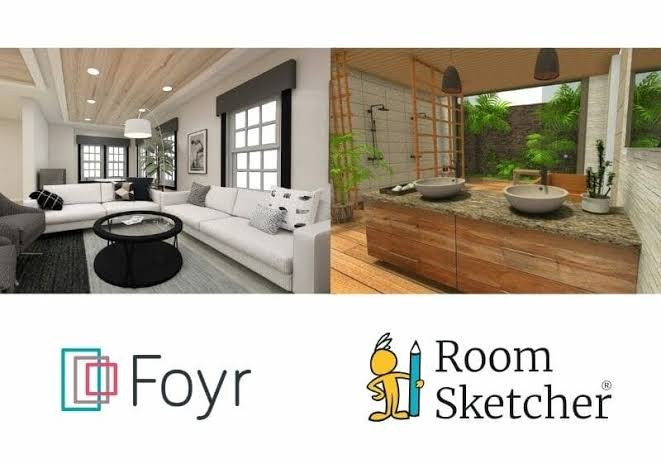
Best for: More advanced interior design and realistic visualisation.
If you’re looking for something more sophisticated, Foyr Neo is worth exploring.
Unlike tools that primarily generate redesigned room photographs, Foyr Neo offers a more complete interior design workflow. Users can create room layouts, work with 3D furniture models, develop interior concepts, and produce realistic visualisations.
It is particularly useful for interior designers, design students, and people working on larger home projects who need more control over the final presentation.
You can experiment with furniture arrangements, materials, lighting, and different design elements before settling on a concept.
Foyr Neo is a more advanced option, so it may take some time to get comfortable with its features. It also offers a free trial rather than a permanently free professional plan.
Why we like it: It offers more depth for people who want to move beyond simple AI-generated inspiration and work on detailed interior design projects.
Website: https://foyr.com/neo/
How to Choose the Right AI Interior Design Tool
With so many options available, choosing the right platform depends on what you actually want to achieve.
You don’t necessarily need the most expensive software or the platform with the longest list of features.
Consider these factors before making a decision:
1. Know what you want to design.
If you only want to change the appearance of your bedroom or living room, a photo-based tool such as RoomGPT may be enough. However, if you’re planning a complete home makeover, a platform like Planner 5D may offer more flexibility.
2. Consider your budget.
Some platforms offer free versions that are sufficient for basic design experiments. Others operate on subscriptions, credits, or limited free trials. Try the available free features before committing to a paid plan.
3. Look for realistic visualisation.
A beautiful AI-generated image doesn’t necessarily mean the furniture will fit your actual room. If measurements and furniture placement matter, choose a platform with editable floor plans or 3D design capabilities.
4. Check how much control you have.
Some tools generate an entirely new image based on your photograph, while others let you adjust individual elements. Consider whether you want quick inspiration or the ability to make detailed changes.
Can AI Interior Design Tools Replace an Interior Designer?
Not entirely.
AI tools are excellent for generating ideas, exploring different styles, and helping you visualise a space. They can also save time when you’re comparing colours, layouts, and furniture arrangements.
However, they don’t always understand the practical details of a real renovation.
Things like electrical installations, structural changes, plumbing, ventilation, accurate measurements, and material quality still require proper planning and, where necessary, professional guidance.
A generated image might show a beautiful kitchen, but that doesn’t automatically mean the design is practical, safe, or affordable to recreate.
The best approach is to use AI as a starting point. Let it help you explore ideas, then work with an experienced professional when your project requires technical expertise.
Final Thoughts
Redesigning your home doesn’t have to begin with expensive consultations or buying furniture you aren’t sure will work.
With AI interior design tools, you can explore different styles, experiment with layouts, and get a clearer picture of what you want before spending money on actual changes.
If you’re just looking for quick inspiration, RoomGPT is a simple starting point. For more detailed room planning, Planner 5D and Homestyler offer greater flexibility. REimagine Home is useful for visual makeovers, while Foyr Neo is better suited to more advanced design projects.
Ultimately, the best tool is the one that helps you turn your ideas into a practical plan for your space.
You don’t need to be an interior designer to start creating a home you love. Sometimes, you just need a little inspiration and the right digital tools to bring your ideas together.